
WordPress powers millions of websites worldwide, making it one of the most attractive targets for cybercriminals. When a popular plugin develops a serious security flaw, the impact can spread across thousands of websites within hours. That is exactly what happened with the Ultimate Member plugin, a widely used WordPress extension with more than 200,000 active installations.
Security researchers have identified multiple critical vulnerabilities in the plugin over recent years, including flaws that could allow attackers to gain administrator access, steal sensitive information, and completely take over affected websites.
Why the Ultimate Member Vulnerability Matters
The Ultimate Member plugin is commonly used for user registration, member profiles, and access management. Because it controls user permissions and account access, any weakness inside the plugin can create a direct path to a website’s most sensitive areas.
Unlike minor bugs that affect appearance or functionality, these vulnerabilities have the potential to give attackers control over an entire WordPress installation.
For businesses, publishers, e-commerce stores, and membership websites, the consequences can be severe. A successful attack may result in data theft, malware infections, SEO spam, or complete loss of administrative control.
The Administrator Takeover Flaw
One of the most serious security incidents involving the plugin was a critical vulnerability that received a severity score of 9.8 out of 10.
Researchers discovered that attackers could manipulate the registration process and inject unauthorized administrator privileges into newly created accounts.
Instead of registering as a standard user, an attacker could exploit weaknesses in how user permissions were processed. Once successful, the attacker would gain full administrator rights, allowing them to modify website settings, install malicious software, and lock legitimate owners out of their own websites.
This type of exploit represents one of the highest-risk scenarios for any WordPress site because it completely bypasses traditional security expectations.
A New Password Reset Attack Emerges
Even after previous patches, another serious security issue surfaced.
The latest flaw involved password reset functionality. Attackers with limited access could create specially crafted content designed to generate password reset tokens for administrator accounts.
When an administrator interacted with the malicious content, sensitive reset information could be exposed to the attacker.
The result was alarming. A low-level account could potentially become the starting point for a complete administrator account takeover.
This highlights an important cybersecurity reality: hackers no longer rely solely on brute-force attacks. Many modern attacks exploit trust, automation, and application logic flaws.
Repeated SQL Injection Concerns
Security experts also identified SQL injection vulnerabilities affecting member directory search functions.
SQL injection remains one of the most dangerous web application threats because it targets the website database directly.
Through carefully crafted requests, attackers may attempt to extract sensitive information such as password hashes, session data, customer records, or member details.
For organizations handling user information, these vulnerabilities create both security and compliance concerns.
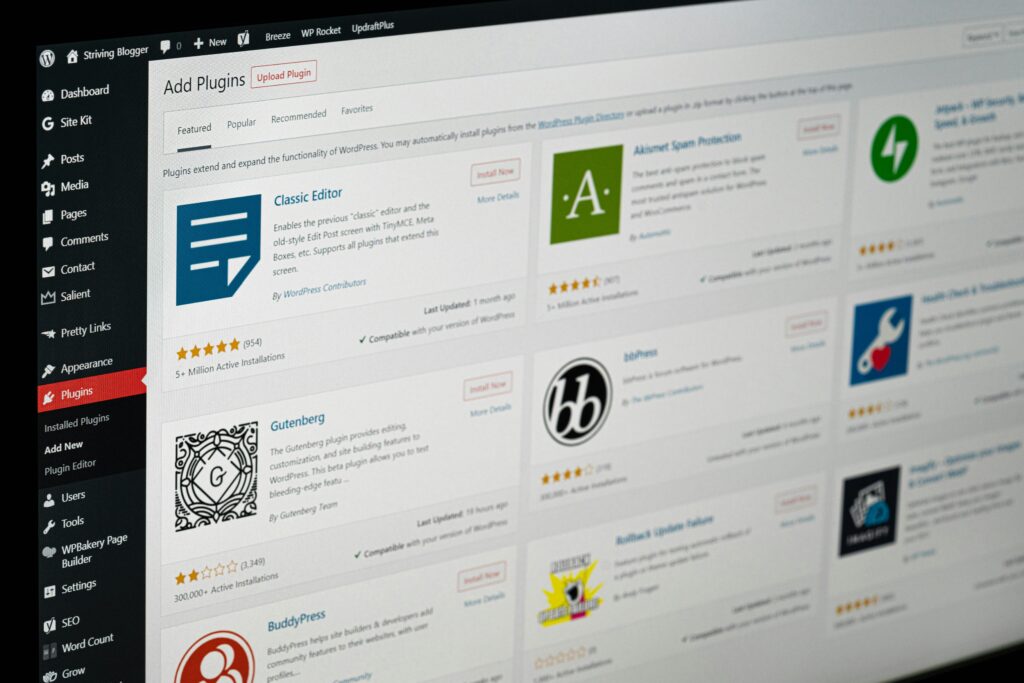
Why WordPress Plugins Continue to Be a Major Target
The Ultimate Member vulnerability is part of a larger trend affecting the WordPress ecosystem.
WordPress itself is generally secure when properly maintained. However, plugins significantly expand functionality and often become the weakest link in the security chain.
Many website owners install plugins and forget about them for months or even years. Attackers actively scan the internet looking for outdated versions that still contain known vulnerabilities.
The larger the plugin’s user base, the more attractive it becomes to cybercriminals.
What Website Owners Should Do Immediately
Website owners using Ultimate Member should take immediate action.
Update the Plugin
Always install the latest available version. Security patches are the first line of defense against known exploits.
Review Administrator Accounts
Check all administrator accounts and remove any suspicious users that should not have elevated privileges.
Monitor Login Activity
Unexpected logins, password changes, or account modifications may indicate unauthorized access attempts.
Deploy Additional Security Layers
A reputable web application firewall and security monitoring solution can help block known attack patterns before they reach the website.
Conduct a Security Audit
Organizations managing customer data or membership platforms should consider performing a complete security review to ensure no compromise has already occurred.
Top Marketing Blog : Step-by-Step Guide to Building a Free Google Website in 2025
The Bigger Question for Website Owners
The Ultimate Member vulnerability raises an important question for the broader WordPress community.
How many website owners regularly audit their plugins, review administrator accounts, and monitor security updates?
Many organizations invest heavily in content creation, marketing, and SEO while overlooking the software that powers their websites.
A single vulnerable plugin can erase years of hard work overnight.
Conclusion
The Ultimate Member vulnerability serves as another reminder that website security is not a one-time task. With more than 200,000 active installations, the plugin remains a high-value target for attackers seeking access to WordPress websites.
While developers continue releasing security patches, responsibility ultimately falls on website owners to keep systems updated, monitor user accounts, and maintain strong security practices.
In today’s digital environment, protecting a website is no longer optional. It is a critical business requirement.